

Triggers
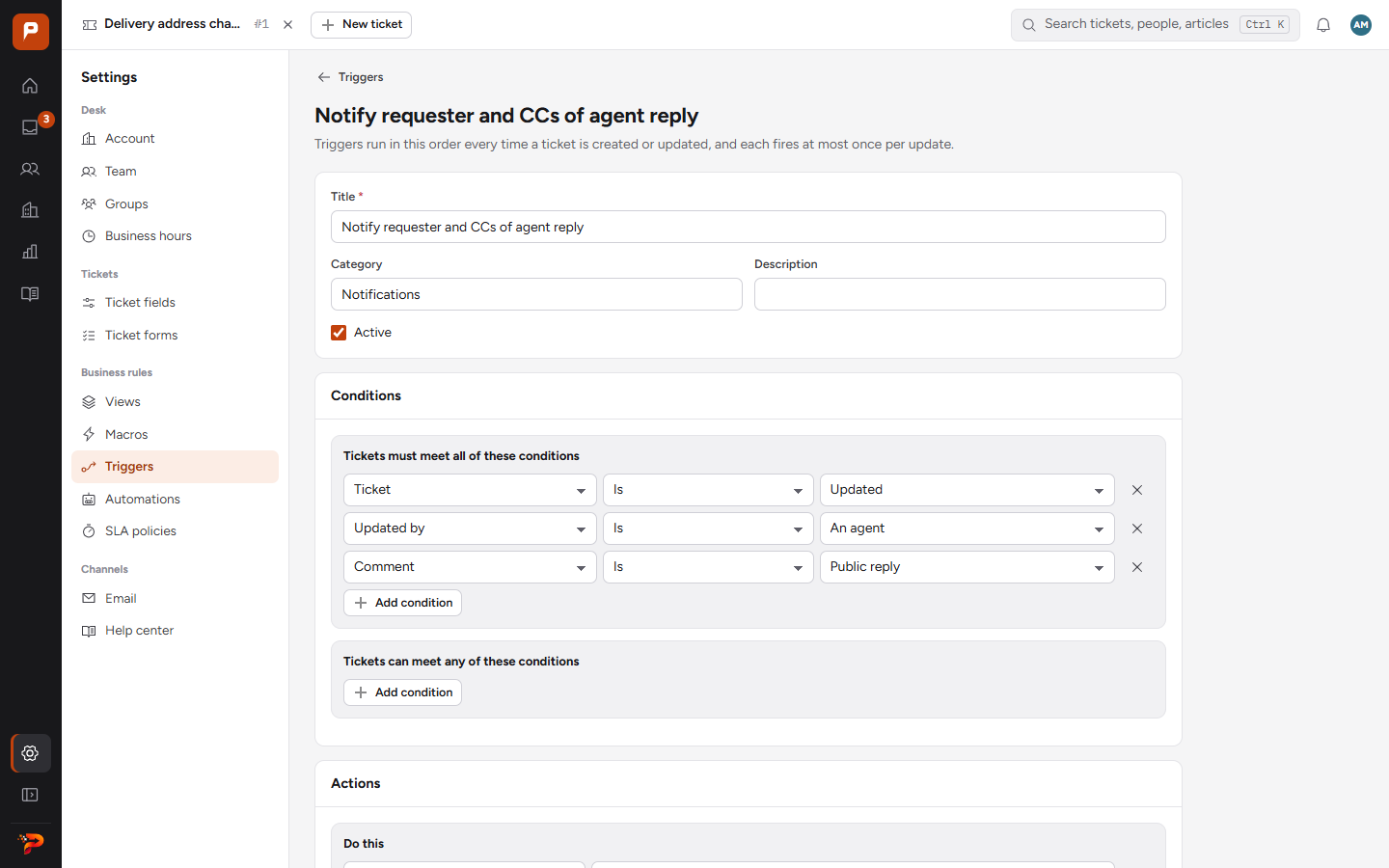
Run the moment a ticket is created or updated: set fields, assign a group, add tags, notify people.
For example: when a ticket comes from Al Noor Trading, set priority to High and assign it to Key Accounts.
Email, web forms and your help center in one helpdesk, every SLA tracked.
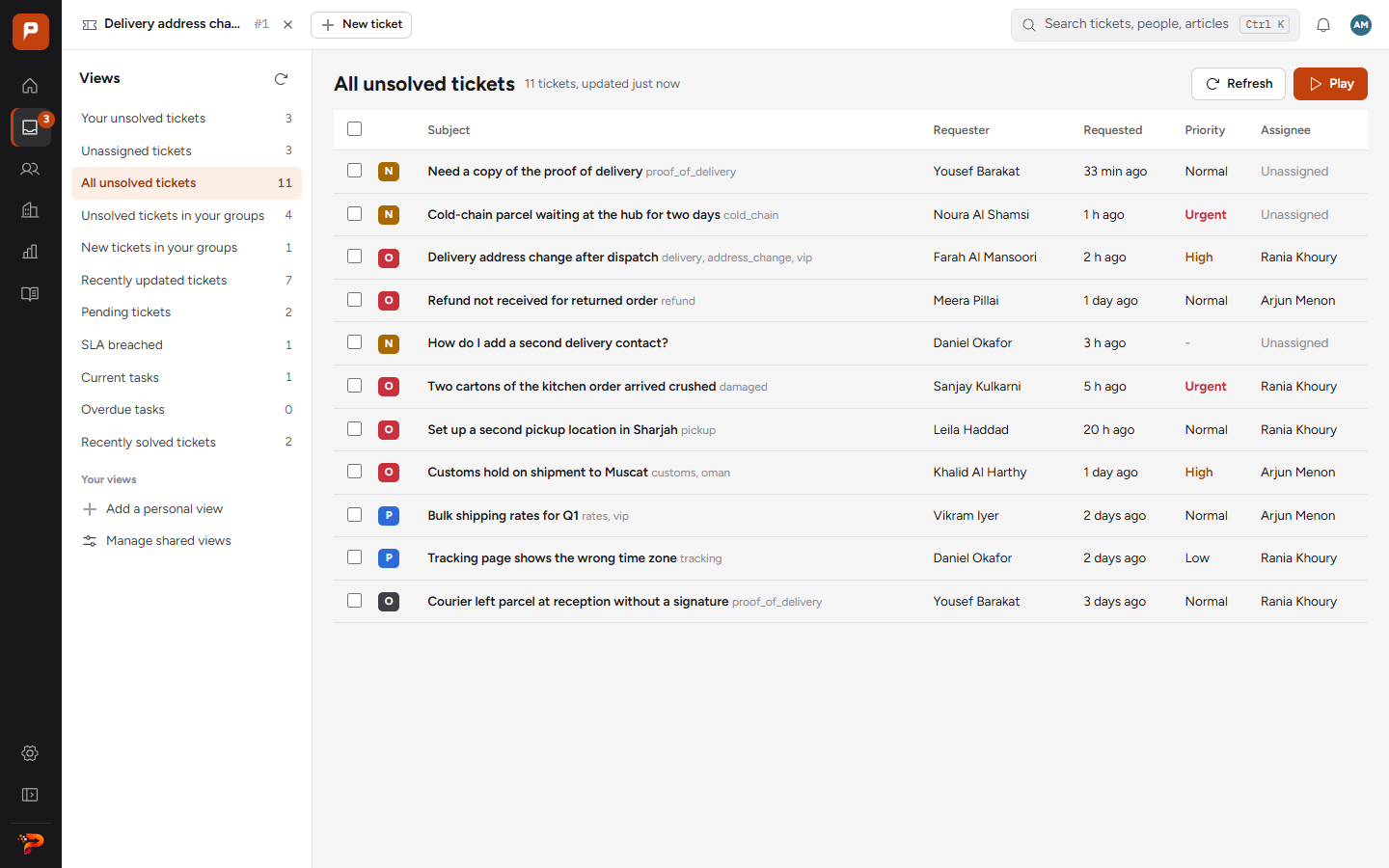
A customer emails to redirect a delivery. Follow her ticket through a view, a trigger, a macro, the SLA and her rating.
Each request becomes a ticket in one queue. Views split the queue by status, group or SLA, with a live count beside each.
Mail arrives through Postmark, Mailgun or SendGrid. Replies go out through your own SMTP server, from your own address.
Customers choose a form, fill in the fields you set and attach files.
Signed-in customers open requests and follow them in your portal.
Write them once as plain conditions and actions. ProDesk applies them to every ticket, so routing and follow-ups stop depending on memory.
Run the moment a ticket is created or updated: set fields, assign a group, add tags, notify people.
For example: when a ticket comes from Al Noor Trading, set priority to High and assign it to Key Accounts.
Run on a schedule and act on time, such as hours since a ticket was solved or last updated.
For example: close a ticket four days after it is solved.
Saved replies and field changes that an agent applies in one click.
For example: “Refund approved” posts the reply, sets the type and adds a refund tag.
Set first reply, next reply and resolution targets for each priority. The clock runs during your working hours and stops for the holidays you list.
Sunday to Thursday, 08:00 to 18:00, Asia/Riyadh. Holidays: Eid al-Fitr, Eid al-Adha, Saudi National Day.
| Priority | First reply | Next reply | Resolution |
|---|---|---|---|
| Urgent | 30 min | 1 h | 4 h |
| High | 1 h | 2 h | 8 h |
| Normal | 4 h | 8 h | 24 h |
| Low | 8 h | 16 h | 40 h |
A high priority ticket that arrives at 17:30 on Thursday is due for a first reply at 08:30 on Sunday, not 18:30 on Thursday.
Publish answers, take requests through forms, and let customers follow every request they open.
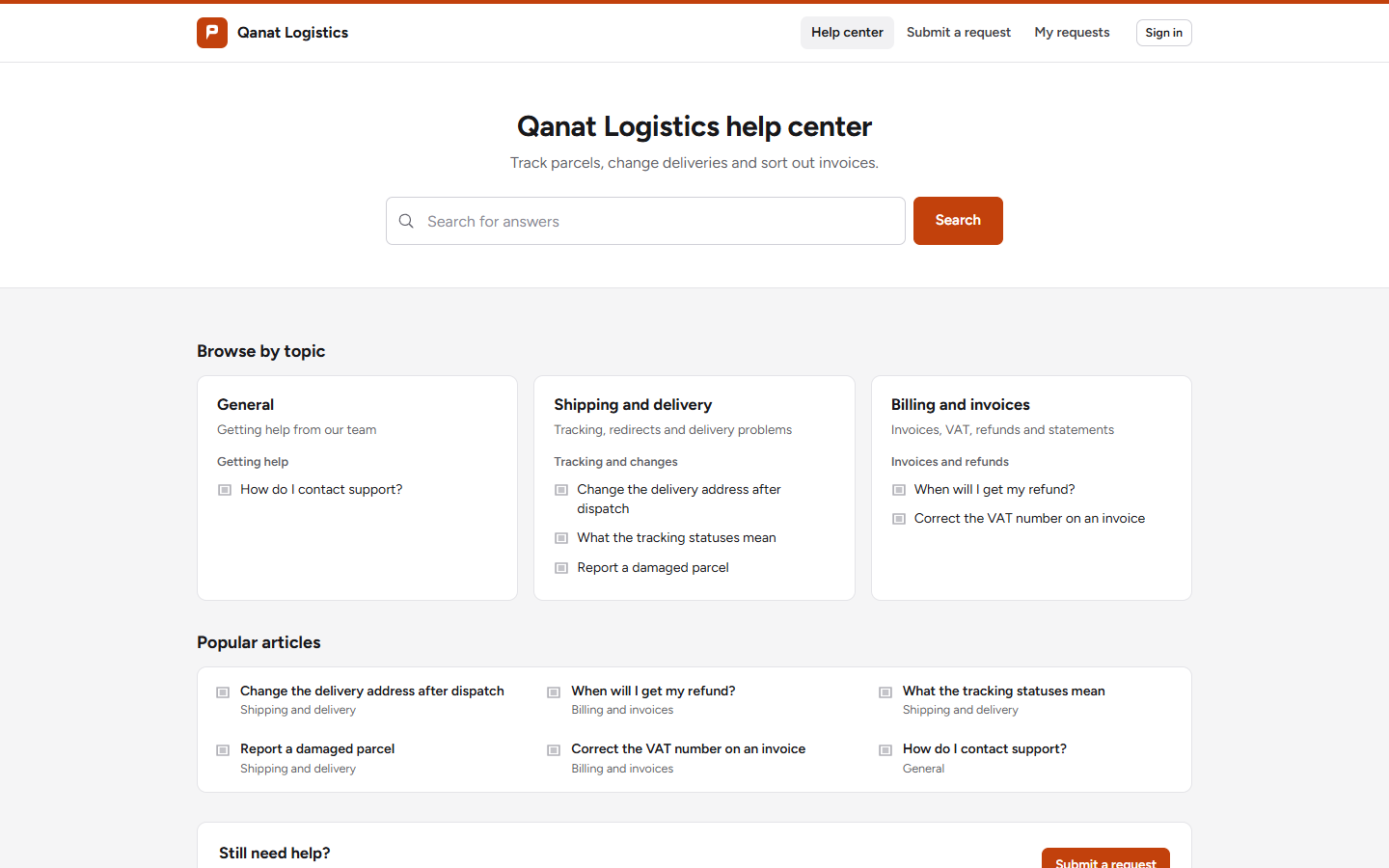
Articles in categories and sections, with search. Readers mark each article helpful or not.
Each form asks for the fields you choose, so requests arrive with the order number already filled in.
Customers sign in to see the status of each request and reply in the same thread.
When a ticket is solved, the customer rates it good or bad and can leave a comment.
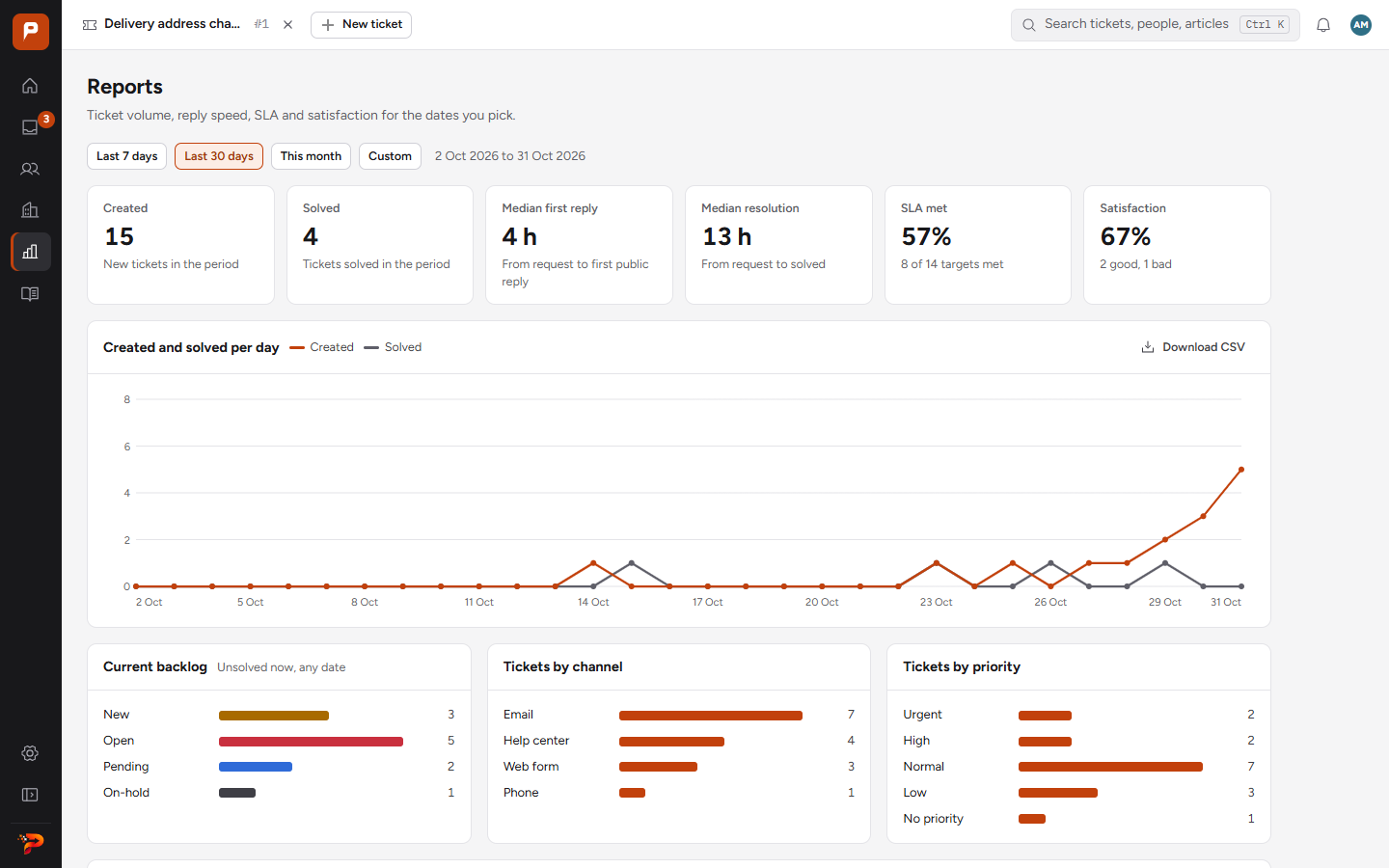
Pick a date range and see volume, speed and quality, for the whole desk or for each agent.
Forward your support address to Postmark, Mailgun or SendGrid so mail arrives as tickets, and add your SMTP server so replies leave from your own address.
Add agents, and light agents who can read tickets and add internal notes. Put them in groups such as Billing or Field Operations.
Add the views, triggers, SLA policies and macros that match how your team already works.
Request a demo. When you go ahead, we create your company's desk and invite your administrator by email. Your administrator then adds the team.